Invoice PDF template
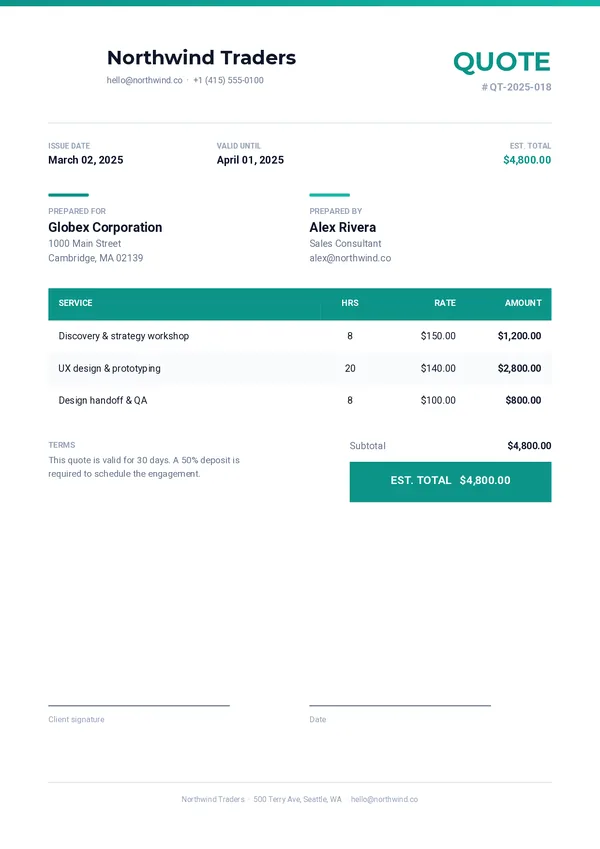
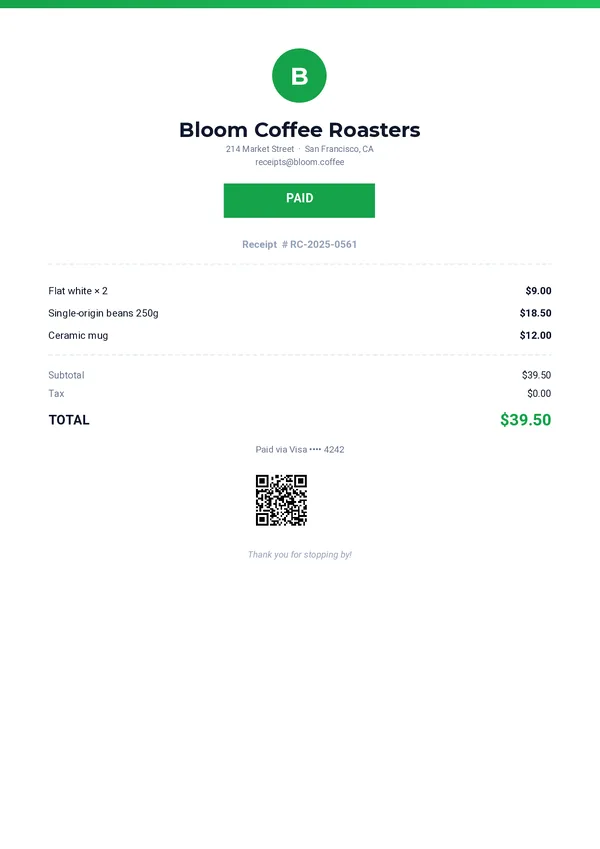
A modern invoice ready to fill with your data. Customize it in the drag-and-drop editor, then generate one PDF per order from your app, your no-code tools or your AI assistant.
Basic planNeeded for the QR code. Remove it to generate on the free plan.
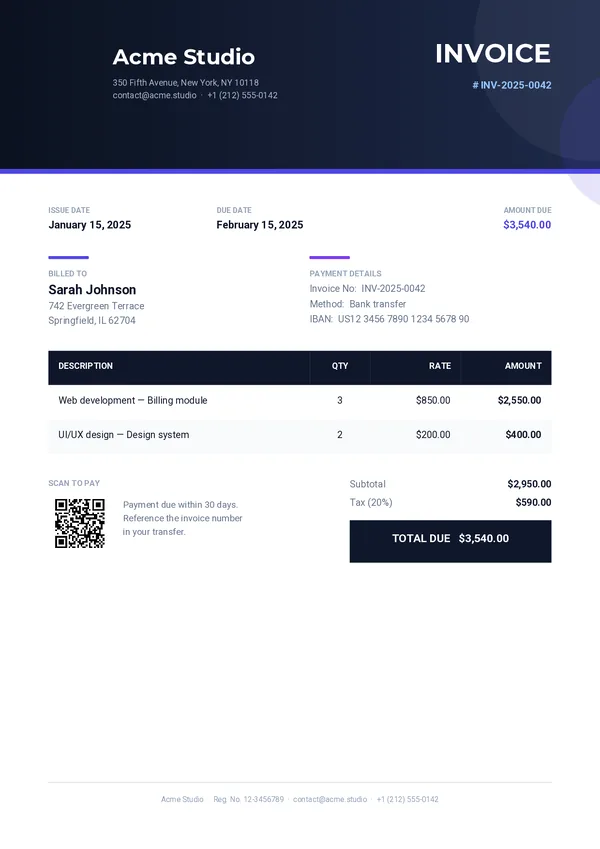
What's inside
Everything an invoice needs, already laid out.
Branded header
A gradient band with your company name, address and registration number.
Client and dates
Accent columns for the client, the invoice number, the issue date and the due date.
Line items table
One row per item in your data, with description, quantity, rate and amount.
Highlighted total
Subtotal, tax rate, tax and a total that stands out at a glance.
Payment details
Payment method, IBAN and terms, plus a QR code that opens your payment link.
Generate itSend your order.
Send your order.
Get the invoice.
One REST call per invoice. Every field below can come from your database, your shop or your CRM.
company_namecompany_addresscompany_emailcompany_phonecompany_registrationcompany_logoinvoice_numberissue_datedue_dateclient_nameclient_addresspayment_methodpayment_ibanpayment_urlpayment_termssubtotaltax_ratetaxtotalitemscurl -X POST https://pdfstork.com/api/v1/templates/YOUR_TEMPLATE_ID/generate \
-H "Authorization: Bearer YOUR_TOKEN" \
-H "Content-Type: application/json" \
-d '{
"data": {
"company_name": "Acme Studio",
"invoice_number": "INV-2025-0042",
"client_name": "Sarah Johnson",
"due_date": "February 15, 2025",
"items": [
{
"description": "Web development — Billing module",
"quantity": "3",
"rate": "$850.00",
"amount": "$2,550.00"
}
],
"total": "$3,540.00"
},
"output": "url"
}'Your way in