Receipt PDF template
A friendly, compact receipt with a clear PAID stamp. Make it yours in the drag-and-drop editor, then generate one PDF per payment from your app, your no-code tools or your AI assistant.
Basic planNeeded for the QR code. Remove it to generate on the free plan.
What's inside
A receipt people actually read.
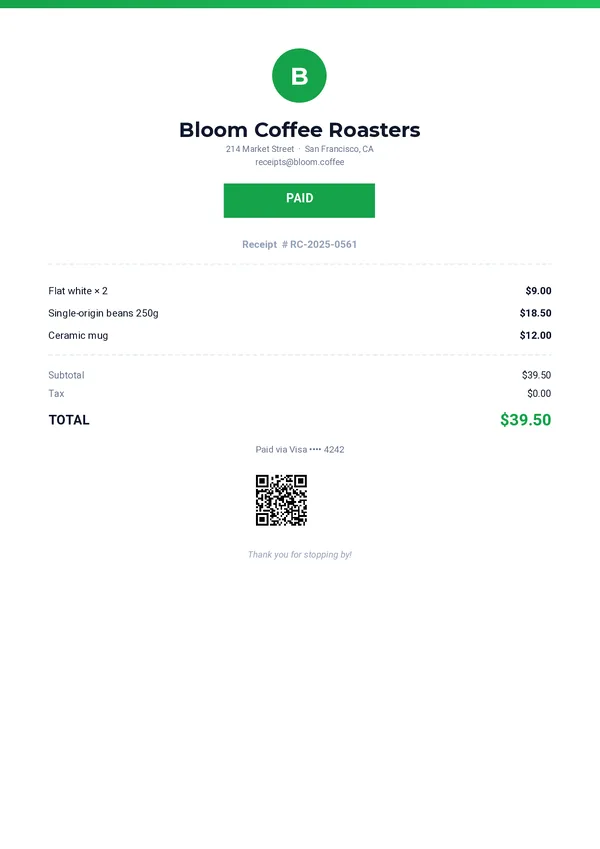
Monogram badge
A centered badge above your business name and address.
Status stamp
A PAID stamp whose text comes from your data, next to the receipt number.
Itemized list
Three items with their prices. Add or remove rows in the editor to match your orders.
Totals and payment
Subtotal, tax, total and the payment method used.
QR code
A code that opens the online version of the receipt, above your thank-you line.
Generate itSend the payment.
Send the payment.
Get the receipt.
One REST call per receipt. Every field below can come from your checkout, your POS or your payment webhooks.
company_namecompany_addresscompany_emailreceipt_numberstatusitem_1_nameitem_1_priceitem_2_nameitem_2_priceitem_3_nameitem_3_pricesubtotaltaxtotalpayment_methodreceipt_urlthank_youcurl -X POST https://pdfstork.com/api/v1/templates/YOUR_TEMPLATE_ID/generate \
-H "Authorization: Bearer YOUR_TOKEN" \
-H "Content-Type: application/json" \
-d '{
"data": {
"company_name": "Bloom Coffee Roasters",
"receipt_number": "RC-2025-0561",
"status": "PAID",
"item_1_name": "Flat white × 2",
"item_1_price": "$9.00",
"total": "$39.50",
"payment_method": "Visa •••• 4242"
},
"output": "url"
}'Your way in