Purchase order PDF template
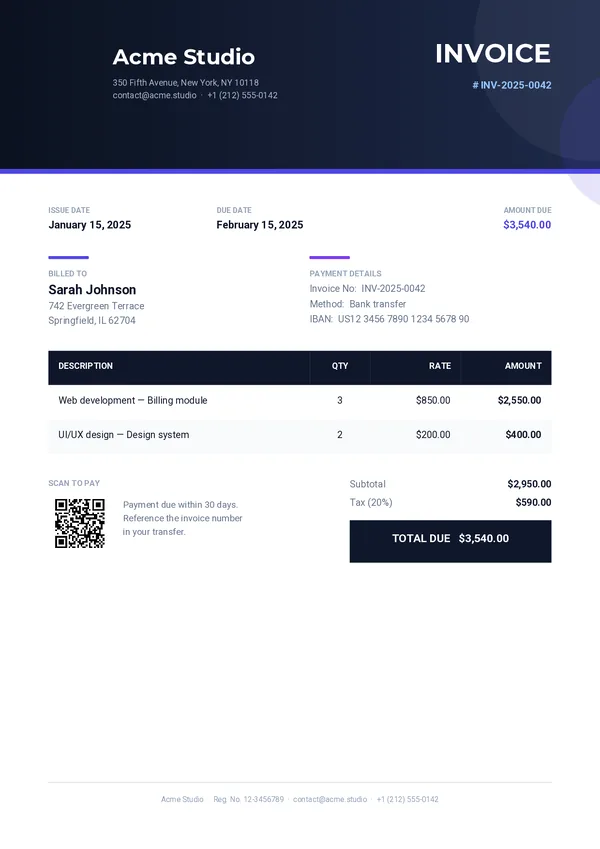
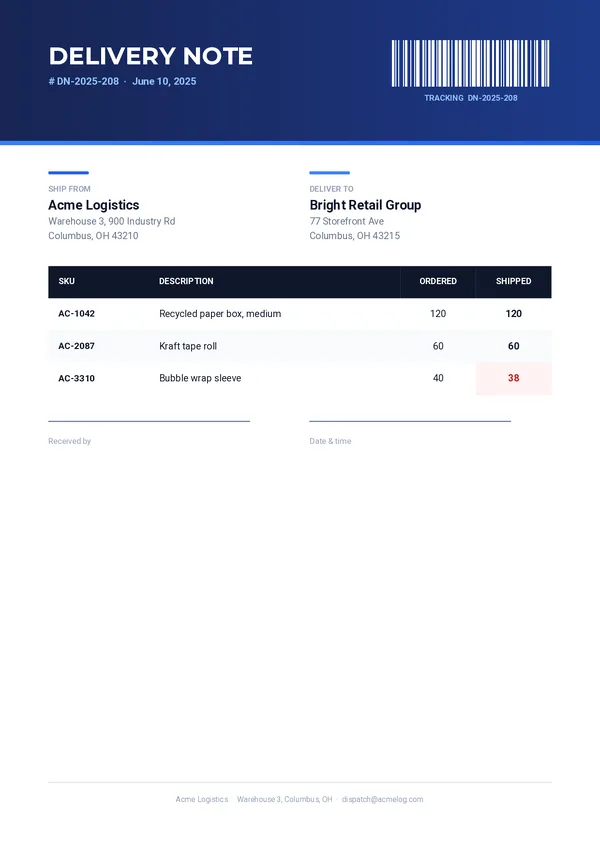
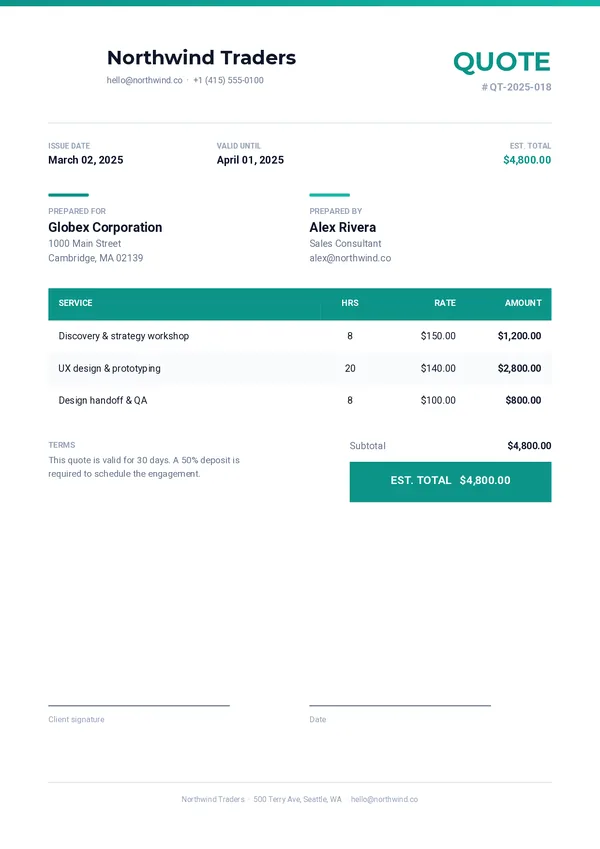
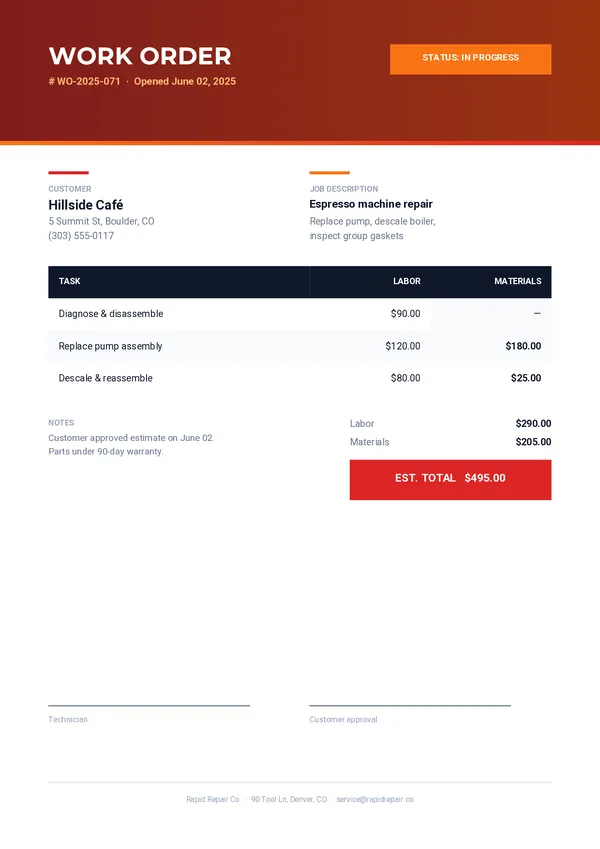
A purchase order your suppliers can act on straight away. Adjust it in the drag-and-drop editor, then generate one PDF per order from your app, your no-code tools or your AI assistant.
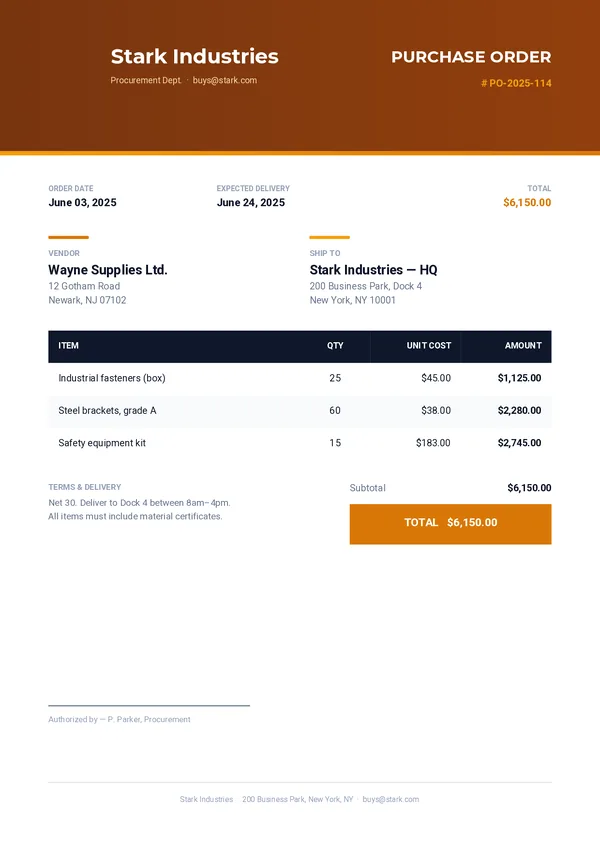
What's inside
An order your supplier can act on.
Order header
Your logo and department, the PO number, the order date and the expected delivery.
Vendor and ship-to
Who supplies the goods and where they should arrive.
Items table
One row per item in your data, with quantity and unit cost.
Subtotal and total
The amounts, with a highlighted total.
Terms and approval
Your payment and delivery terms, and who authorized the order.
Generate itSend the request.
Send the request.
Get the purchase order.
One REST call per order. Every field below can come from your ERP or your procurement tool.
company_namecompany_departmentcompany_addresscompany_emailcompany_logopo_numberorder_dateexpected_deliveryvendor_namevendor_addressship_to_nameship_to_addresssubtotaltotaltermsauthorized_byitemscurl -X POST https://pdfstork.com/api/v1/templates/YOUR_TEMPLATE_ID/generate \
-H "Authorization: Bearer YOUR_TOKEN" \
-H "Content-Type: application/json" \
-d '{
"data": {
"company_name": "Stark Industries",
"po_number": "PO-2025-114",
"vendor_name": "Wayne Supplies Ltd.",
"expected_delivery": "June 24, 2025",
"items": [
{
"description": "Industrial fasteners (box)",
"quantity": "25",
"unit_cost": "$45.00",
"amount": "$1,125.00"
}
],
"total": "$6,150.00"
},
"output": "url"
}'Your way in