Delivery note PDF template
A delivery note your warehouse and your customers can both read. Adjust it in the drag-and-drop editor, then generate one PDF per shipment from your app, your no-code tools or your AI assistant.
Basic planNeeded for the barcode. Remove it to generate on the free plan.
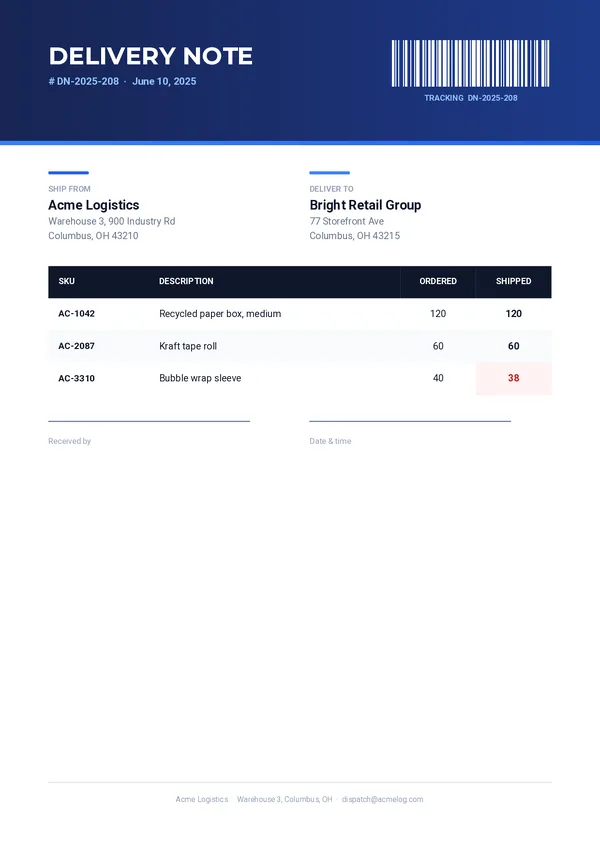
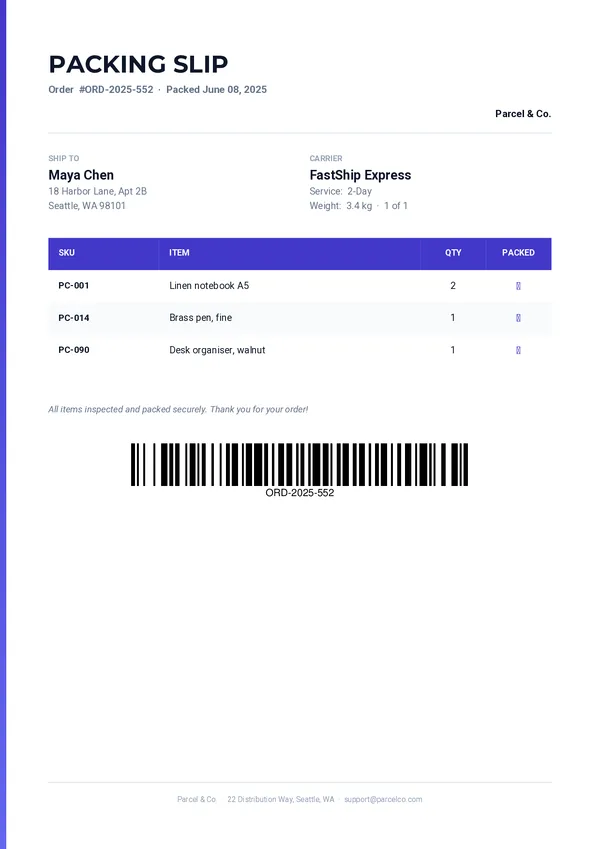
What was ordered, what was shipped.
Tracking barcode
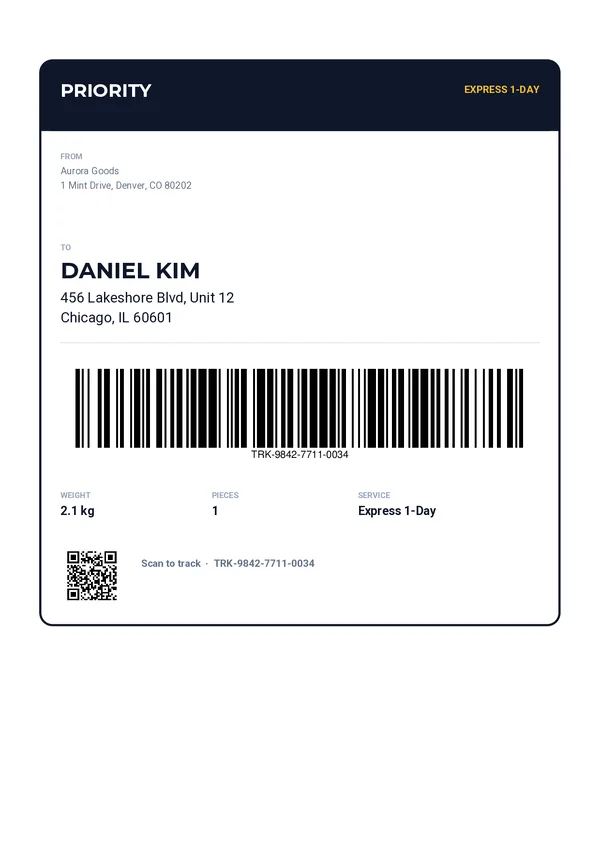
A Code 128 barcode generated from your tracking number.
Ship from, deliver to
Both names and addresses, side by side.
Items table
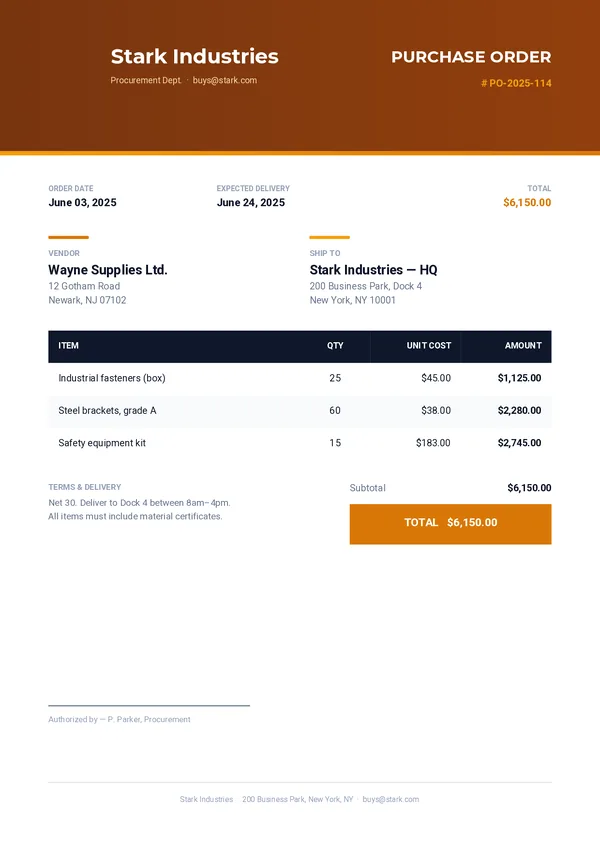
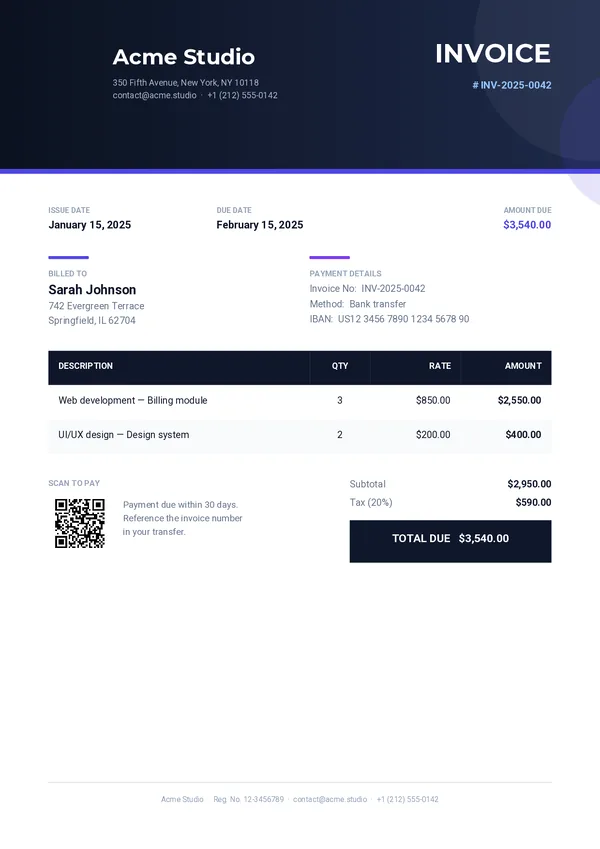
One row per item in your data, with SKU, description, quantity ordered and quantity shipped.
Reference and date
The delivery note number and date, in the header.
Receiving signature
Space for who received the goods, with the date and time.
Send the shipment.
Get the delivery note.
One REST call per delivery. Every field below can come from your WMS, your ERP or your online shop.
company_namecompany_addresscompany_emaildelivery_numberdelivery_datetracking_numbership_from_nameship_from_addressdeliver_to_namedeliver_to_addressitemscurl -X POST https://pdfstork.com/api/v1/templates/YOUR_TEMPLATE_ID/generate \
-H "Authorization: Bearer YOUR_TOKEN" \
-H "Content-Type: application/json" \
-d '{
"data": {
"company_name": "Acme Logistics",
"delivery_number": "DN-2025-208",
"tracking_number": "DN-2025-208",
"deliver_to_name": "Bright Retail Group",
"items": [
{
"sku": "AC-1042",
"description": "Recycled paper box, medium",
"ordered": "120",
"shipped": "120"
}
]
},
"output": "url"
}'Generate delivery notes with or without code.
From Zapier, Make, n8n or Bubble
Create a delivery note when a shipment leaves the warehouse, with each platform's HTTP module.
From your AI assistant
Ask for a delivery note in plain language, through the MCP server.
In HTML and Twig
Prefer code? This template also exists in HTML, with Twig for your data.