Shipping label PDF template
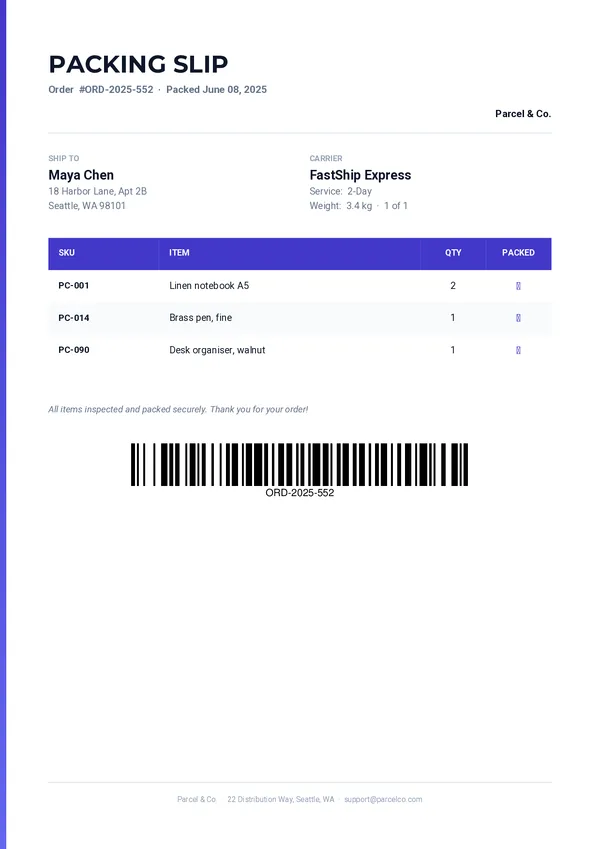
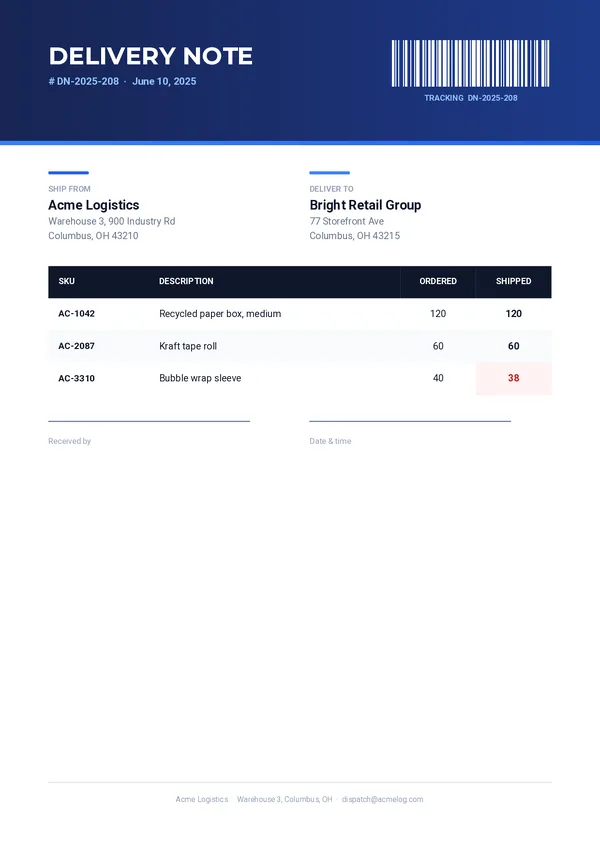
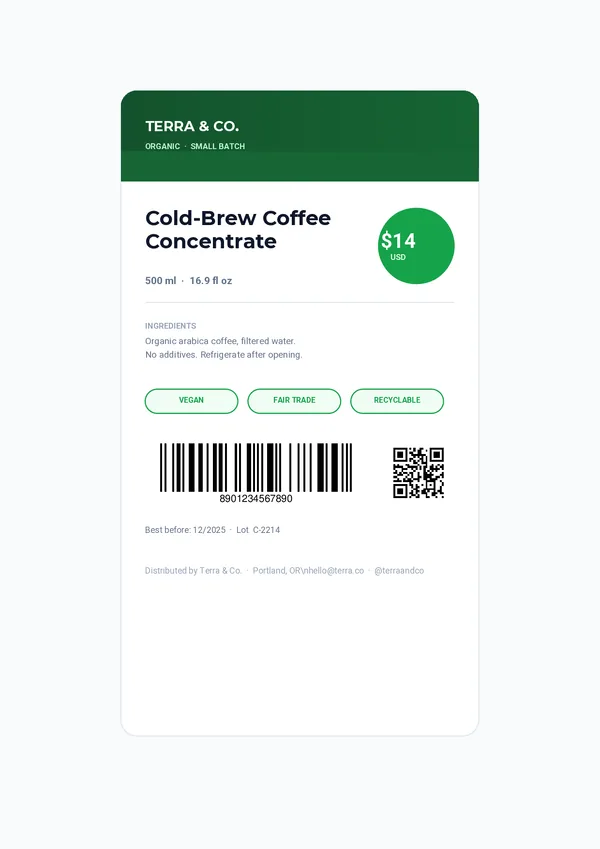
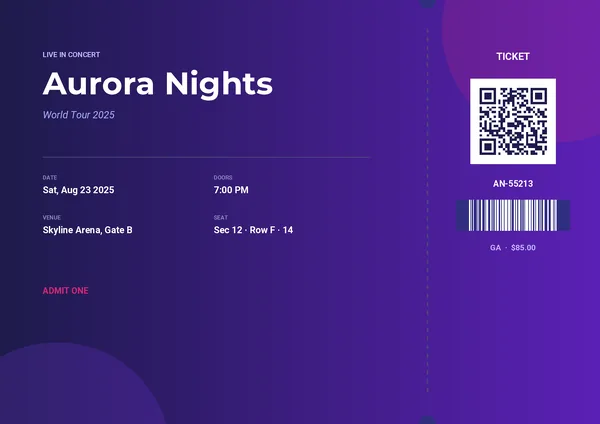
A high-contrast label that scans and reads at a distance. Adjust it in the drag-and-drop editor, then generate one PDF per parcel from your app, your no-code tools or your AI assistant.
Basic planNeeded for the QR code and the barcode.
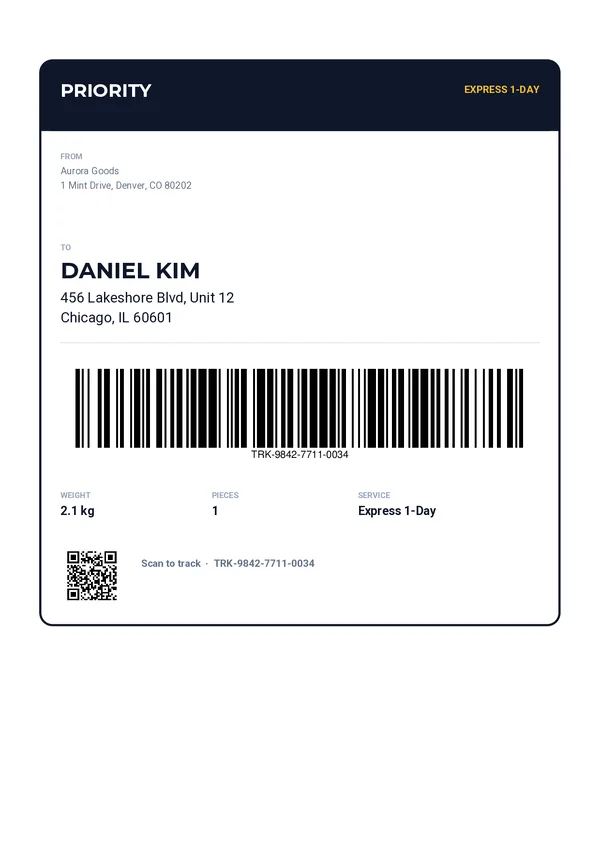
A label made to be scanned.
Priority header
The service class and name, in high contrast at the top of the label.
From and to
The sender’s block and the recipient’s name and address.
Large tracking barcode
A Code 128 barcode generated from your tracking number.
Parcel details
Weight, number of pieces and service.
QR code
A code that opens the tracking page of the parcel.
Send the parcel.
Get the label.
One REST call per label. Every field below can come from your shop or your shipping tool.
service_classservice_nameservice_name_shortfrom_blockto_nameto_addresstracking_numbertracking_urlweightpiecescurl -X POST https://pdfstork.com/api/v1/templates/YOUR_TEMPLATE_ID/generate \
-H "Authorization: Bearer YOUR_TOKEN" \
-H "Content-Type: application/json" \
-d '{
"data": {
"service_name": "EXPRESS 1-DAY",
"to_name": "DANIEL KIM",
"to_address": "456 Lakeshore Blvd, Unit 12\nChicago, IL 60601",
"tracking_number": "TRK-9842-7711-0034",
"tracking_url": "https://track.aurora/TRK-9842-7711-0034",
"weight": "2.1 kg"
},
"output": "url"
}'Generate shipping labels with or without code.
From Zapier, Make, n8n or Bubble
Create a shipping label when an order is ready to ship, with each platform's HTTP module.
From your AI assistant
Ask for a shipping label in plain language, through the MCP server.
From your own app
Call the REST API from any language. The quick start takes under 5 minutes.